
Count down, or count up
Count down to the days you look forward to. Once a day has passed, see how many days it has been. Days that repeat monthly or yearly always count to the next one.
 sun.apps
 Daysmark
An open-source countdown app for birthdays, anniversaries and days to look forward to.
Daysmark
Count down to the days you look forward to. Once a day has passed, see how many days it has been. Days that repeat monthly or yearly always count to the next one.
Keep the birthdays of family and friends and the dates you want to remember next to your countdowns. Dates can also follow the Chinese lunar calendar.
Put the day you care about most on your Home Screen or Lock Screen, or list what is coming up in a medium or large widget.
Add one or more reminders to any day and choose how early and at what time they arrive. Days with a set time can count down their final hour in a Live Activity.
Add or look up a day with Siri, use it in Shortcuts, and find your days right from Spotlight.
Bring in birthdays from Contacts and dates from Calendar. Only the entries you choose are saved, as a one-time copy.
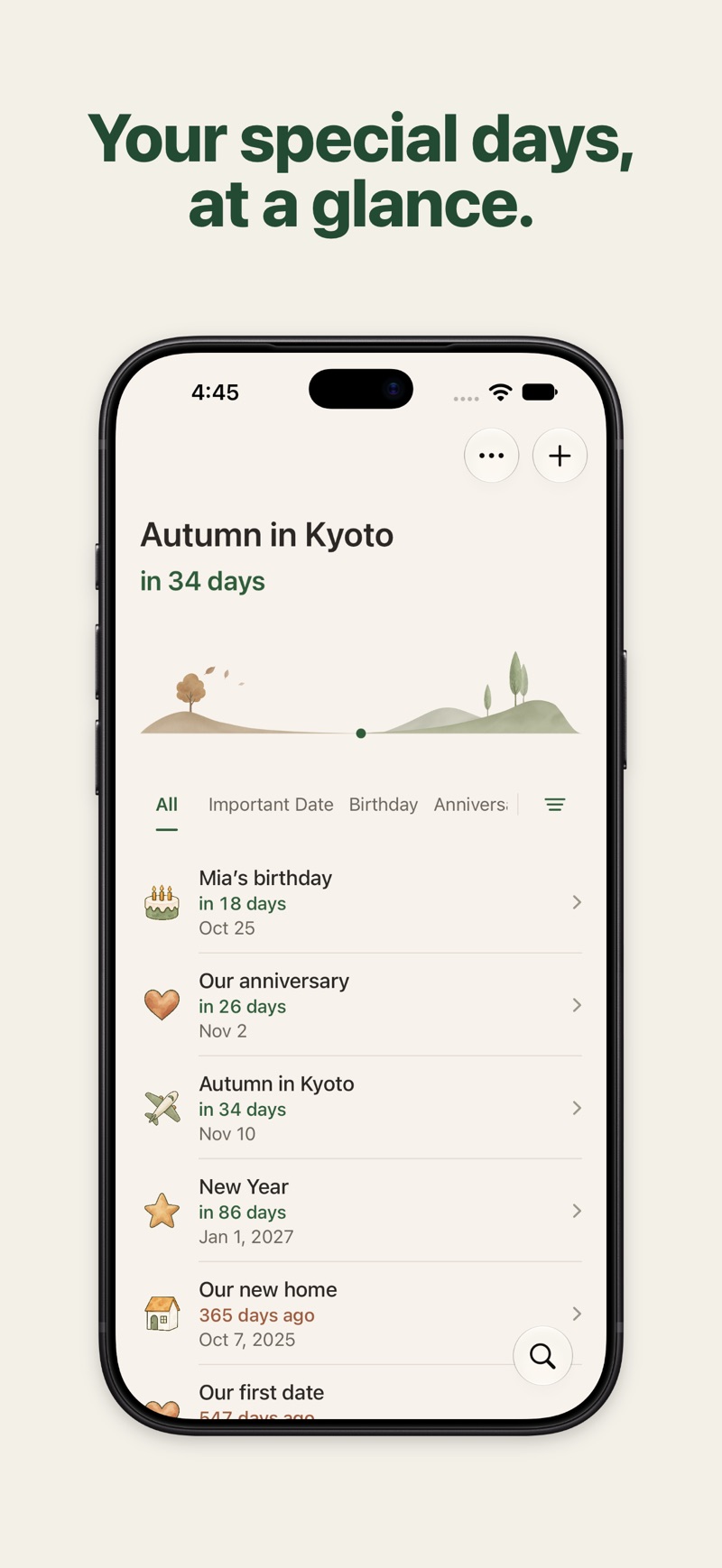
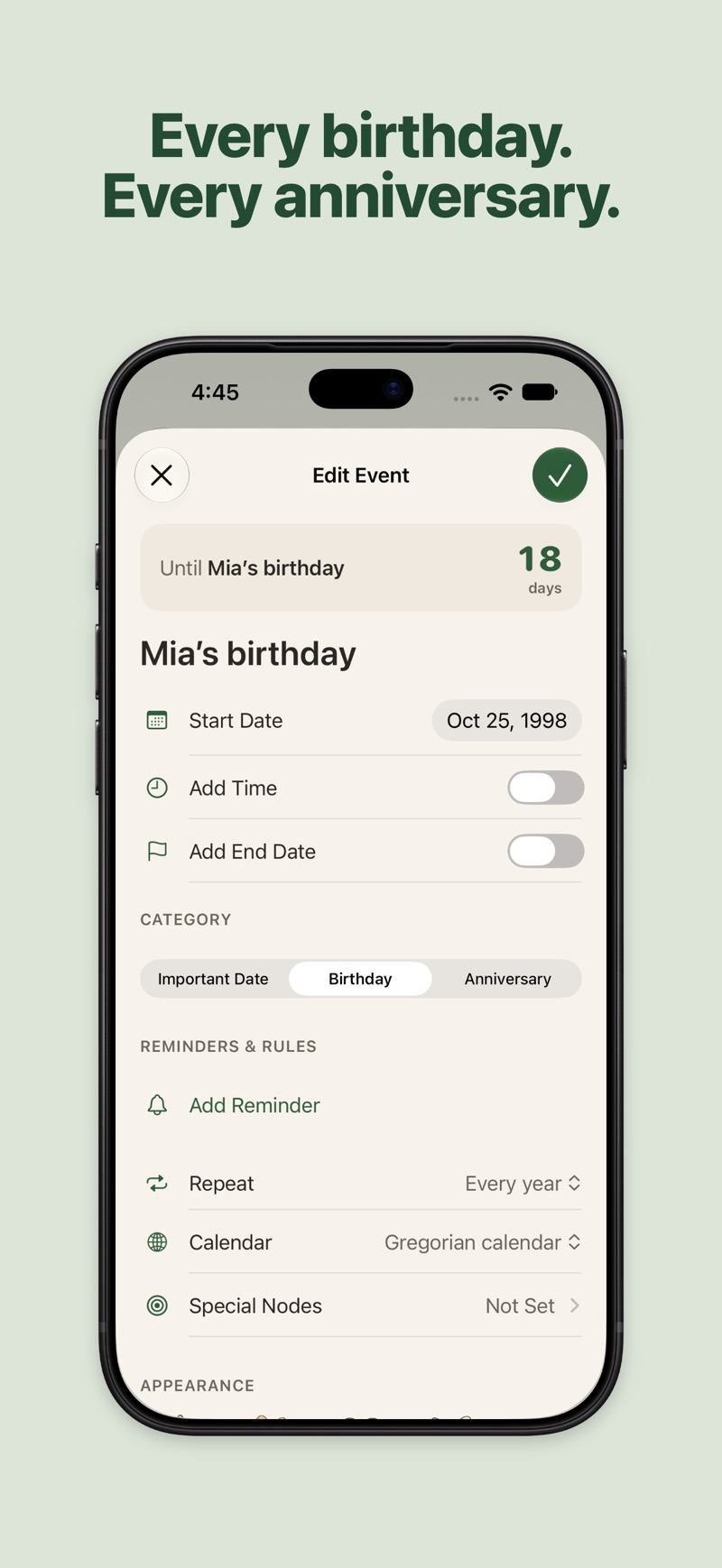
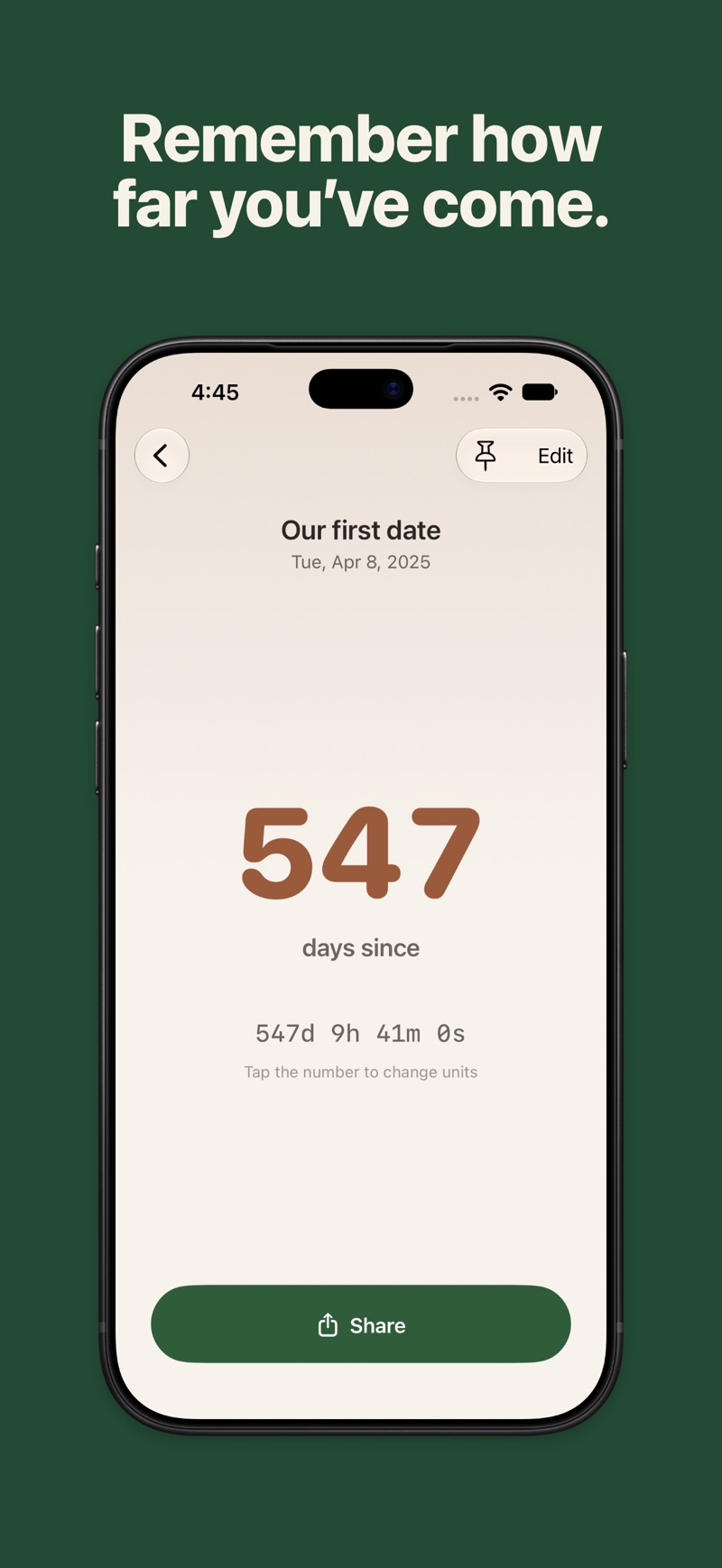
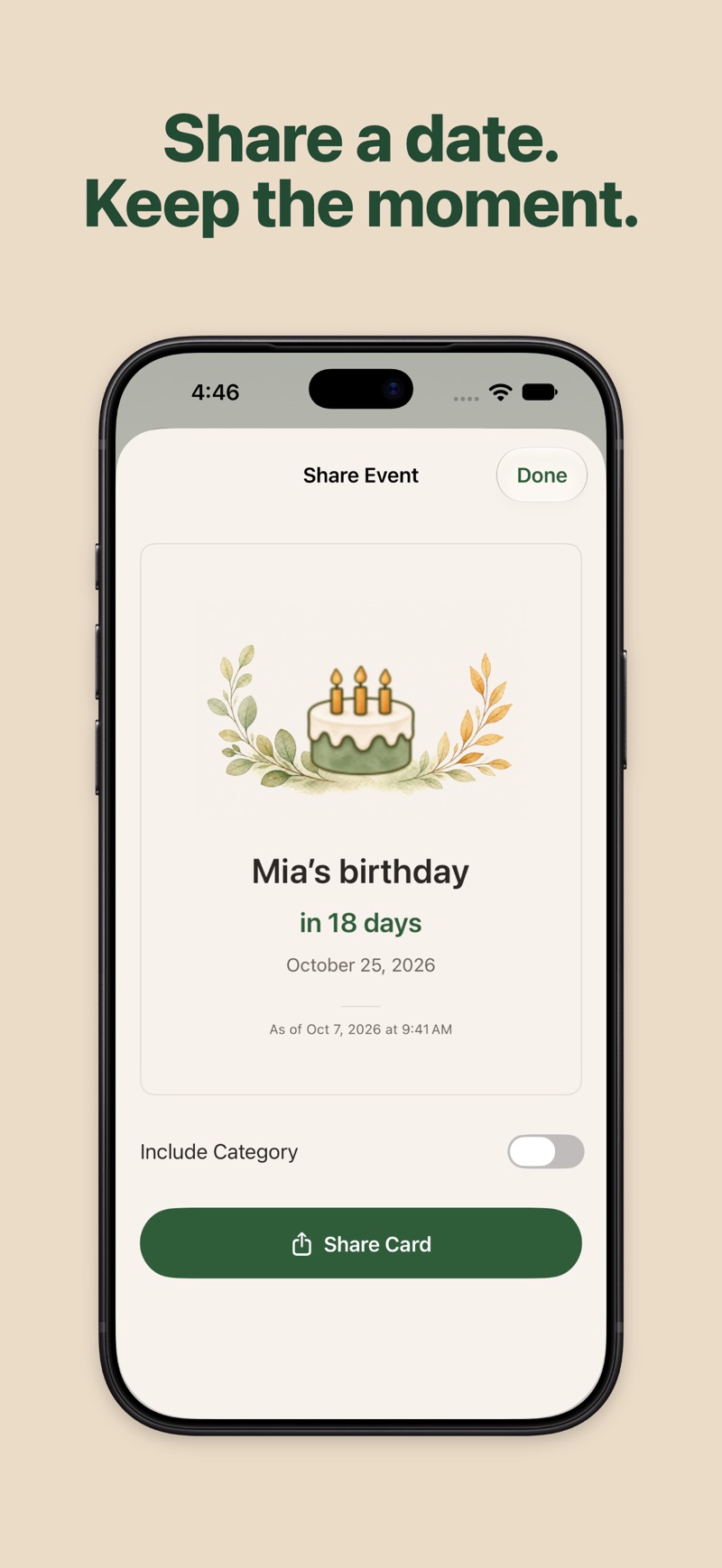
Daysmark is now open source on GitHub. Use the GitHub button on this page to view the repository.
There is currently no App Store download. See the GitHub repository for instructions on obtaining and building the project.
No. Open the app and add your first day.
Turn on iCloud for Daysmark in iOS Settings and your days sync to every iPhone and iPad signed in to the same Apple Account.
Yes. Importing birthdays from Contacts or dates from Calendar saves a one-time copy of only the entries you choose; later changes there are not synced.
Yes. Dates can follow the Chinese lunar calendar.
Deleted days go to Recently Deleted and stay there for 30 days, so you can restore them.
English, German and Simplified Chinese.
Email dev.sunapp24@gmail.com.
No account, no ads, no analytics and no tracking, and we never receive your dates. They are kept on your device and, with iCloud, in the private database of your own iCloud, which we cannot access. Deleted days stay in Recently Deleted for 30 days, so you can restore them.